First, if you want to learn more about this URL shortener plugin, check out this detailed review on Pretty Links.
Then, follow the instructions below to get the best possible deal with our exclusive Pretty Links Pro coupon code.
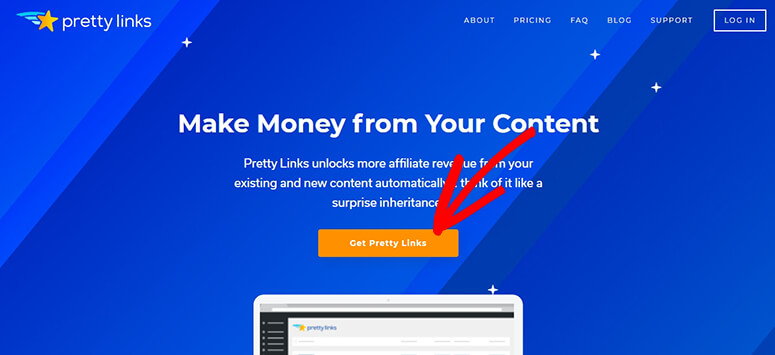
Next, visit the Pretty Links Pro website using our referral link. From there, you should click on the Get Pretty Links button.

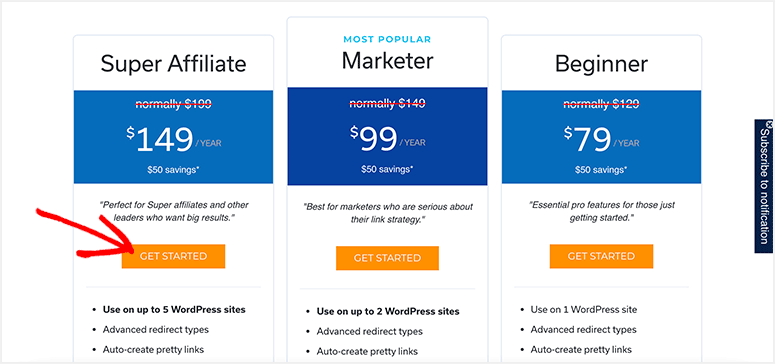
On the next page, you’ll see multiple pricing plans. Click on the Get Started button below the plan you want to purchase.

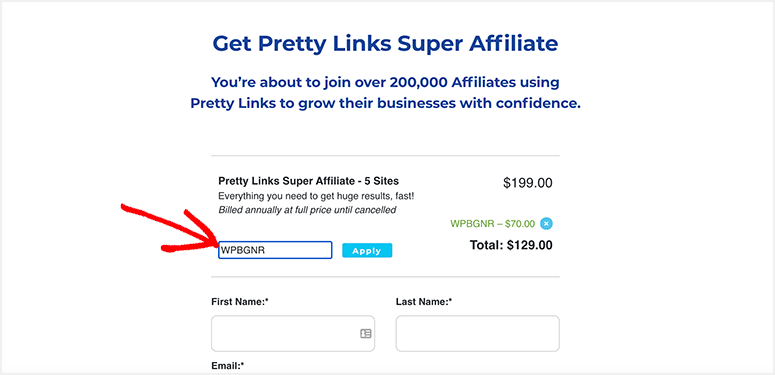
It’ll take you to the checkout page. Click on the Have a Coupon? link and enter our Pretty Links Pro coupon code: WPBGNR

Click on the Apply button.
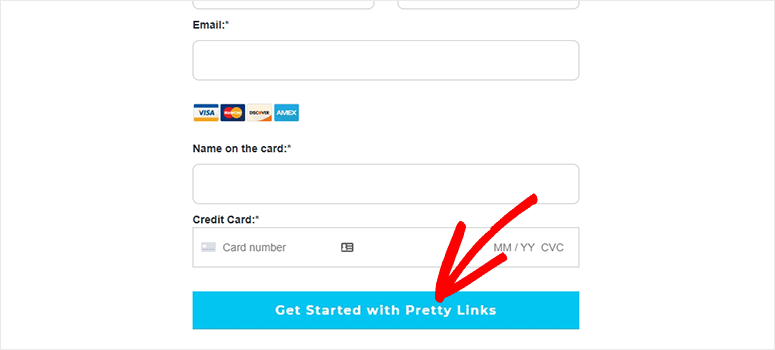
Below you need to enter your personal details, including first name, last name, email address, and payment information.

Click on the Get Started with Pretty Links button to complete the purchase.
We hope you found our Pretty Links Pro coupon code helpful. You may also want to check our coupons page for more discounts.
Also, check out How to Create a Customized Short URL in WordPress to see how to improve your affiliate marketing.
Apart from that, read this AffiliateWP review, a Pretty Links alternative, to compare and see which one is right for you.