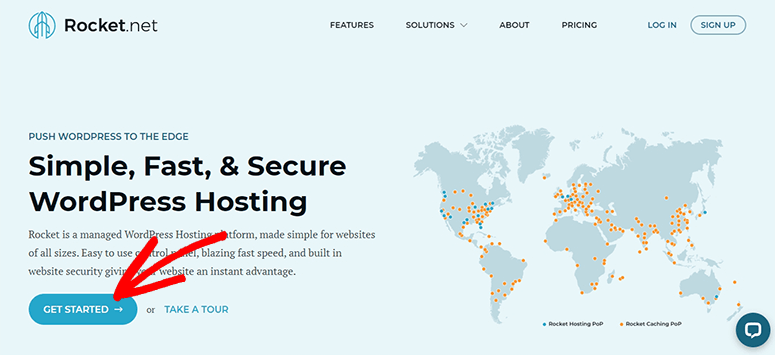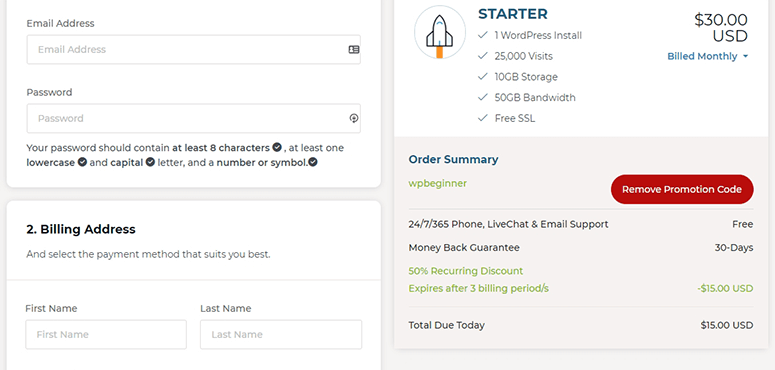
Rocket provides managed WordPress hosting services. It’s fast, secure, and easy to set up. It’s highly scalable, which means you can grow your website without worrying about crashing your hosting service. At IsItWP, we work hard to negotiate exclusive deals on your behalf. Keep reading to find out how to get 50% OFF the first 3 months on Rocket WordPress managed hosting.
Get 50% OFF on Rocket Managed WordPress Hosting
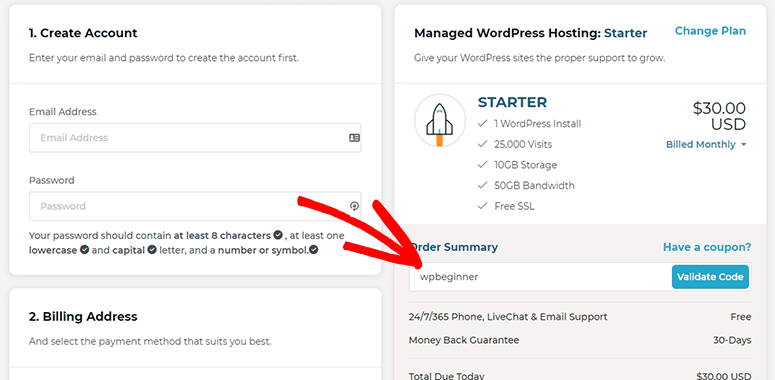
Use our Rocket coupon code to get 50% OFF the first 3 months!

Get 50% OFF on Rocket Managed WordPress Hosting
No Code Required. Click the button to claim deal.