
The first time I built a landing page for a client campaign, I needed 30 seconds of cinematic B-roll.
I had three options: shoot it myself (no time), commission it (no budget), or find stock footage that didn’t look like stock footage. That third option took far longer than it should have.
Half the sites I tried had videos that screamed “generic corporate presentation.” The other half had what I needed hidden behind confusing licensing terms or expensive single-clip pricing.
So I tested the best stock video sites to find out which ones actually deliver quality footage at a fair price. These are the ones worth your time, whether you need footage for a website, a social media campaign, or a client video.
Key Takeaways
- Best overall library: I’ll show you which stock video site has the largest collection with AI-powered search to find exactly what you need fast
- Best free options: I tested three completely free options, each with no account required, no attribution needed, and 4K downloads
- Best unlimited subscription: I reveal which service gives you the best value if you need clips regularly
- Best pay-per-clip: I cover a marketplace where individual clips start at just a few dollars, with no subscription needed
- Best for filmmakers: I tested the only platform in this list that offers RAW and LOG formats alongside standard 4K and 8K footage
How I Test Stock Video Sites
🎬 Click to see my testing methodology
Here’s exactly how I evaluate stock video sites:
- Library size and variety: I search for five standard content types (people, nature, business, lifestyle, and abstract) to measure how well each library covers typical marketing needs.
- Video quality: I check for HD, 4K, and 8K availability, plus format options like MP4, MOV, and RAW. I also look at whether the available quality is consistent across the library or limited to certain tiers.
- Licensing clarity: I read the full license before downloading. A good license tells you clearly what you can and can’t do (commercial use, social media, broadcast) without a legal degree to interpret it.
- Search and filter tools: I test whether filters for resolution, duration, color, and orientation work reliably, and whether the search algorithm surfaces relevant results for specific queries.
- Pricing transparency: I check whether pricing is clear before you sign up, how credits or subscription tiers work, and whether there are hidden costs at checkout.
- Download experience: I time the process from search to downloaded file. More than three clicks or two minutes is a friction point I note.
Why Trust IsItWP?
At IsItWP, we’ve helped WordPress users make better tool and platform decisions since 2009. We maintain active accounts on the platforms we review and test them against real-world marketing use cases, not just feature checklists.
For this article, I downloaded footage from each platform, checked licensing terms directly, and compared pricing from each site’s current pricing page.
Best Stock Video Sites Compared
Not every stock video site works the same way. Some charge per clip, others offer unlimited subscriptions. Some are 100% free; others require a subscription for 4K footage.
Before you read the full reviews, this table shows the key differences at a glance. Use the table of contents below to skip to any section.
| Tool | Best For | Free Option | Top Resolution | License Type |
|---|---|---|---|---|
| Shutterstock | Large-scale campaigns | No | 4K | Royalty-free |
| Pexels | Zero-budget users | Yes (only) | 4K | Pexels License |
| Adobe Stock | Creative Cloud users | No | 4K | Royalty-free |
| Pond5 | Budget per-clip buyers | No | 4K | Royalty-free |
| Storyblocks | Heavy users | No | 8K | Royalty-free |
| Artgrid | Filmmakers | No | 8K RAW | Royalty-free |
| iStock | Occasional buyers | No | 4K | Royalty-free |
| Pixabay | Free community clips | Yes (only) | 4K | Pixabay License |
| Videezy | Motion templates | Yes | 4K | Mixed |
| Mixkit | Social media | Yes (only) | 4K | Free License |
| Videvo | Free variety | Yes | 4K | Mixed |
1. Shutterstock ⭐⭐⭐⭐⭐
Best for: marketers and content teams who need a large, searchable library of professional footage for campaigns across multiple platforms
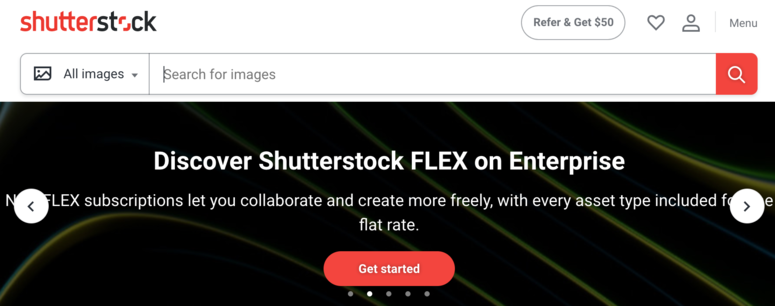
Shutterstock is one of the largest stock video libraries available, with over 28 million royalty-free clips. You can search by category (technology, people, business, nature, animation) or use the AI-powered search to find specific moods, styles, or shot types.
All footage comes pre-cleared for YouTube, Instagram, Facebook, and TikTok. HD and 4K options are available across the library, and you can also add royalty-free music to pair with your clips.
Why Is Shutterstock One of the Best Stock Video Sites?
The platform’s biggest advantage is its AI search. Rather than browsing by keyword alone, you can describe a scene and get relevant results immediately. For example: “golden hour drone shot, empty beach, wide angle.” This saves significant time compared to manual browsing.
Shutterstock also gives you flexibility in how you pay. Subscription plans let you download a set number of clips per month. On-demand packs work better if your needs are irregular. Either way, each licensed clip can be used across any project without paying again.
My Experience with Shutterstock
I found the search filters genuinely useful. Filtering by resolution, duration, orientation, and mood all worked reliably. For a campaign I was building, I narrowed 28 million clips to 40 relevant results in under three minutes.
The main downside is cost. Per-clip pricing adds up quickly if you’re buying outside a subscription. The subscription model makes more sense if you need clips consistently, but it’s a commitment.
🟢► Pros
- Largest royalty-free video library available (28M+ clips)
- AI search narrows results to exactly what you need without extensive browsing
🔴► Cons
- One of the more expensive options, especially for on-demand purchases outside a subscription plan
- Subscription model is a monthly commitment. Not cost-effective for occasional use
Get started with Shutterstock today.
2. Pexels ⭐⭐⭐⭐⭐
Best for: bloggers, small business owners, and anyone who needs quality footage for web and email marketing without spending anything
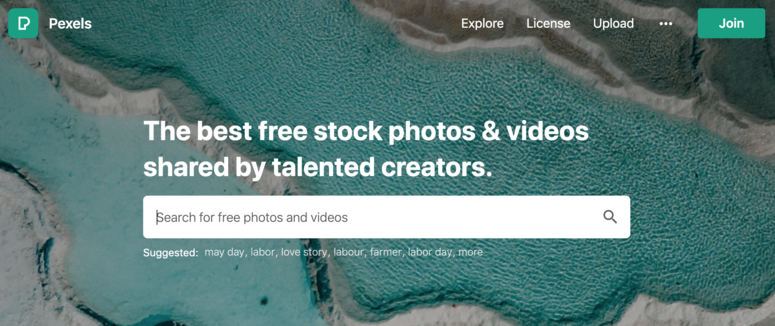
Pexels offers completely free stock videos under a CC0-style license. You don’t need an account to download, and no attribution is required. You can use clips for personal or commercial projects right away.
The library covers a wide range of subjects, and new content is added regularly. You can search by keyword, browse trending or newly uploaded clips, and save favorites to named collections for later use.
Why Is Pexels One of the Best Stock Video Sites?
The license is its standout feature. Most “free” stock sites require attribution, restrict commercial use, or limit resolution on the free tier. Pexels has none of those restrictions. Every clip (including 4K) is free for commercial projects with no credit required.
The Collections feature lets you save clips from multiple searches into a named folder. If you’re building a campaign over several sessions, this saves you from redoing searches each time.
My Experience with Pexels
For a free platform, the search accuracy is surprisingly good. I found multiple on-brand HD clips for a website header in under five minutes. The results felt curated rather than random.
One thing to keep in mind: popular search terms surface the same clips across many websites. If you need footage that feels unique to your brand, Pexels works best for secondary content, not hero videos.
🟢► Pros
- 100% free including 4K, no attribution required, no account needed to download
- Collections feature makes multi-session research far more organized
🔴► Cons
- Popular clips appear on many sites. Less suitable for campaigns that need unique visuals
- Library is smaller than paid platforms, which limits options for niche topics
Get started with Pexels today.
3. Adobe Stock ⭐⭐⭐⭐
Best for: video editors and designers who work in Premiere Pro or After Effects and want to license footage without leaving their editing timeline
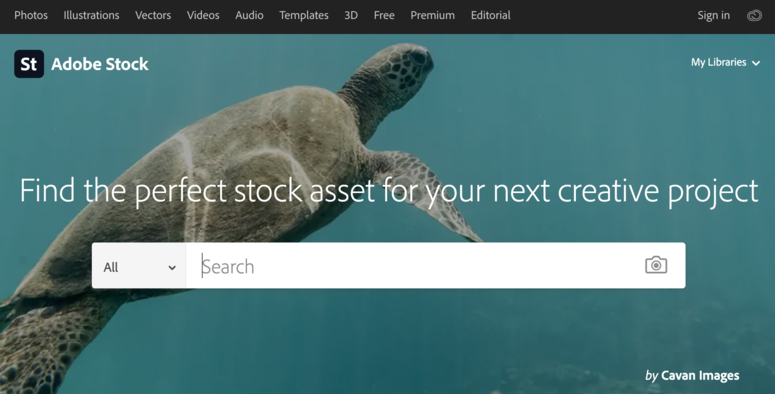
Adobe Stock gives you an extensive library of royalty-free video footage, available in HD and 4K. You can browse by video templates, loops, and specific footage styles. New clips are added daily.
Subscription plans give you a set number of assets per month. Credits work better if your needs are occasional. Either way, once you’ve downloaded a clip, you can use it in unlimited projects.
Why Is Adobe Stock One of the Best Stock Video Sites?
The main reason to choose Adobe Stock over alternatives is the Creative Cloud integration. You can browse and watermark-preview footage directly inside Premiere Pro, Premiere Rush, and After Effects. When you’re ready to license a clip, it happens in one click. The licensed version replaces the preview automatically.
This workflow removes the context-switching that makes stock searches slow. For editors already inside Adobe apps, it’s the most efficient option available.
My Experience with Adobe Stock
I tested the Premiere Pro integration on a client project. Finding footage, dropping in the preview, and licensing the final clip all happened without leaving the timeline. That workflow was genuinely faster than anything else I’ve used. The time savings are real.
If you don’t use Adobe apps, though, the advantage disappears. As a standalone stock site, it’s good but not significantly better than the alternatives at a similar price.
🟢► Pros
- Native integration with Premiere Pro and After Effects, letting you license footage without leaving your timeline
- Large, well-curated library with consistent quality across HD and 4K
🔴► Cons
- Limited value if you don’t use Adobe Creative Cloud apps
- Subscription or credits required. No free tier for video content
Get started with Adobe Stock today.
4. Pond5 ⭐⭐⭐⭐⭐
Best for: marketers and freelancers who need occasional high-quality clips without committing to a subscription
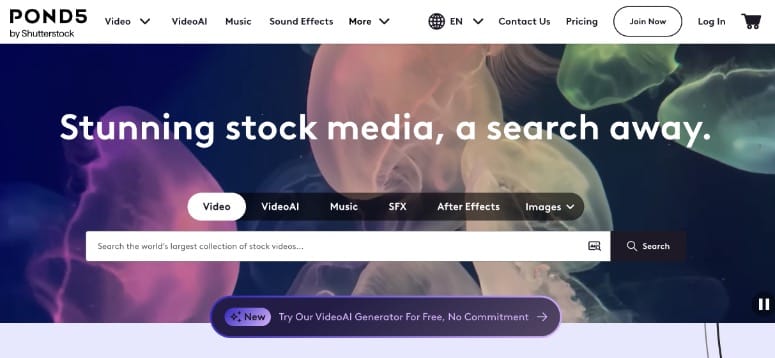
Pond5 is a stock media marketplace where individual clips are priced separately, with no subscription required. Video clips are priced per clip, starting at a few dollars for basic HD footage, with 4K and editorial clips priced higher. You can preview any clip before purchasing, and pricing is displayed upfront on each clip’s page.
The library also includes music, sound effects, and motion graphics templates, making it a one-stop shop for most video production needs. New clips are added constantly by a global network of contributors.
Why Is Pond5 One of the Best Stock Video Sites?
The pay-per-clip model is Pond5’s biggest advantage. Unlike subscription services where unused credits expire, every purchase on Pond5 is permanent. You pay for exactly what you use, nothing more.
The pricing transparency is also notable. Every clip shows its price before you sign up. There are no surprise costs at checkout, and the license terms are clear about what’s covered for commercial use.
My Experience with Pond5
I found good 4K B-roll here for significantly less than comparable clips on Shutterstock’s on-demand pricing. The quality varies more than a curated platform, but the search filters help surface contributor portfolios with consistent styles.
Pond5 is used by major broadcast networks including ABC, NBC, and BBC for archival and editorial footage. That’s a reasonable indicator of quality at the higher end of the library.
🟢► Pros
- No subscription needed. Pay per clip with transparent upfront pricing
- Includes music, SFX, and templates alongside video footage
🔴► Cons
- Clip quality varies by contributor. Requires more browsing to find consistent styles
- No free tier for video content
5. Storyblocks ⭐⭐⭐⭐⭐
Best for: video creators and social media managers who produce content regularly and need unlimited downloads at a predictable monthly cost
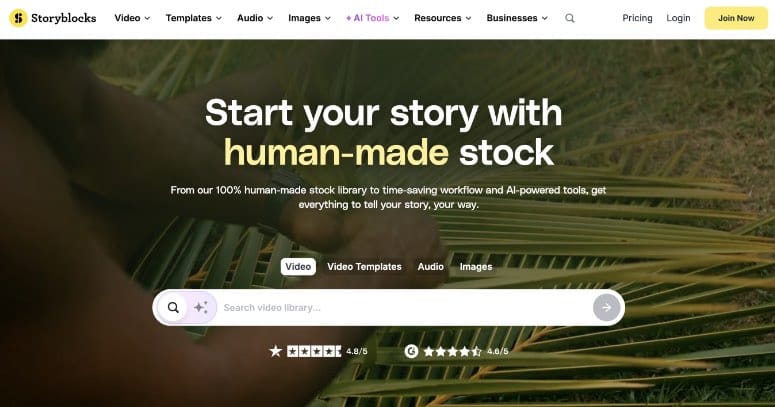
Storyblocks offers unlimited royalty-free downloads on a subscription basis. The library includes over 7 million clips with resolutions up to 8K, plus motion graphics templates, music, and sound effects.
Unlike platforms where you buy credits or download limits, Storyblocks lets you download as much as you need within a billing period. All content is covered by a single royalty-free license.
Why Is Storyblocks One of the Best Stock Video Sites?
The unlimited model makes Storyblocks one of the best value options available for regular content creators. If you’re producing multiple videos per month, the per-clip cost drops to near zero. The subscription pays for itself quickly.
The platform also handles YouTube Content ID claims directly. Downloaded clips are pre-cleared to avoid monetization flags on YouTube. This saves time for anyone producing video content for that platform.
My Experience with Storyblocks
The library leans toward corporate and lifestyle content, which covers most standard marketing needs. I found what I was looking for across multiple searches for a social media campaign series without running into download limits.
The content is solid but not as high-end as filmmaker-focused platforms like Artgrid. For web and social media use, that difference rarely matters.
🟢► Pros
- Unlimited downloads on subscription, offering the best value for regular content creators
- Pre-cleared for YouTube to avoid ContentID claims on monetized videos
🔴► Cons
- Library skews toward corporate and lifestyle. Less variety for creative or cinematic projects
- Subscription required. Not cost-effective if you only need a few clips per year
Get started with Storyblocks today.
6. Artgrid ⭐⭐⭐⭐
Best for: filmmakers, videographers, and production studios who need broadcast-quality footage — particularly RAW and LOG formats — for serious post-production color work
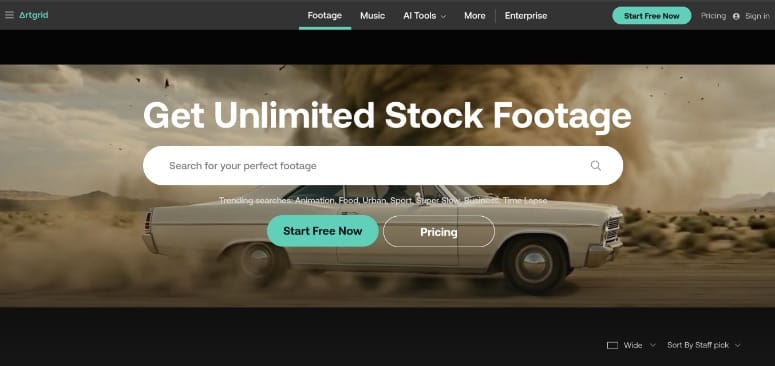
Artgrid is a subscription-based platform built specifically for filmmakers and professional video producers. Its library focuses on cinematic quality over quantity. Plans range from $19.99/month (HD only) to $49.92/month for RAW and LOG access, all billed annually with unlimited downloads.
One standout feature: your license persists even after you cancel. Any clips downloaded during your subscription stay licensed for use. You won’t need to keep paying just to keep past downloads legally covered.
Why Is Artgrid One of the Best Stock Video Sites?
RAW and LOG formats are the key differentiator. Most stock platforms deliver compressed MP4 files. Artgrid gives professional editors the full uncompressed source, which means more latitude for color grading and correction in post.
RAW and LOG access requires the Pro plan ($49.92/month). The Creator plan ($29.99/month) covers 4K and 8K in ProRes/DNxHR, which suits most professional work without the RAW/LOG overhead.
The platform organizes content in curated collections shot by specific cinematographers, not anonymous contributors. This makes it easier to find footage with a consistent visual style across a project. You’re not forced to mix clips that look like they came from different shoots.
My Experience with Artgrid
The footage quality is noticeably higher than most platforms I tested. For a client project requiring cinematic B-roll, I found clips here that looked like they came from a dedicated production shoot, not a stock library.
It’s overkill for simple web banners or social posts. But for anything broadcast-adjacent or requiring serious color work, it’s the right tool.
🟢► Pros
- RAW and LOG formats available, giving real post-production flexibility for professional editors
- Perpetual license on downloaded clips survives subscription cancellation
🔴► Cons
- Smaller library than mass-market platforms. May not cover every content need
- Overkill and cost-inefficient for basic web or social media use
Get started with Artgrid today.
7. iStock ⭐⭐⭐⭐
Best for: WordPress site owners and small business marketers who need occasional professional clips and want the option to edit footage without third-party software
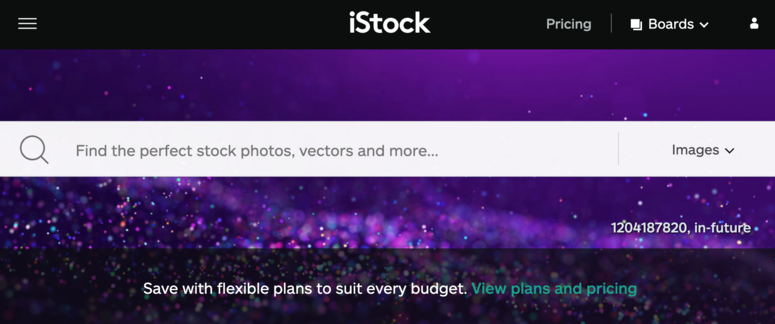
iStock, backed by Getty Images, offers a large library of royalty-free videos in HD and 4K. You can access content through a subscription or by purchasing credits. The more credits you buy, the lower the per-clip cost.
One feature that stands out is the built-in editor. You can crop, resize, and apply filters to any video directly within the platform before downloading, with no external editing software needed for simple adjustments.
Why Is iStock One of the Best Stock Video Sites?
The Getty Images backing means the quality standard is consistent. Unlike contributor-based marketplaces where clip quality varies widely, iStock’s library is curated and quality-reviewed.
The built-in editor is a practical addition for marketers without video editing tools. Cropping to a specific aspect ratio or trimming a clip for a social post can be done directly in the browser.
My Experience with iStock
The credits model works well for occasional use. I bought a small credit pack, downloaded three clips for a project, and had credits left over for the next one. The subscription option makes more sense for ongoing use, but the credit flexibility is genuinely useful.
The built-in editor handled a simple crop and trim in under two minutes. It’s not a replacement for a real editor, but for basic adjustments it removes a step from the workflow.
🟢► Pros
- Built-in editor handles crop, resize, and filters without leaving the platform
- Getty Images-backed library means consistent quality across all clips
🔴► Cons
- Credits and subscription pricing can both be expensive compared to unlimited alternatives
- No free tier for video content
Get started with iStock today.
8. Pixabay ⭐⭐⭐⭐⭐
Best for: budget-conscious creators who need a large free library with no account required and no attribution strings attached
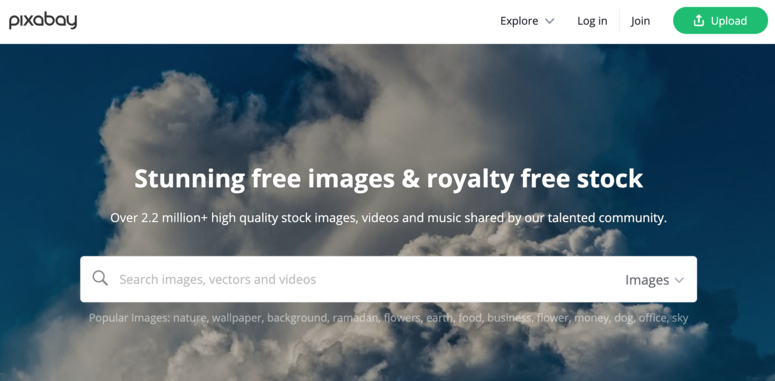
Pixabay hosts thousands of free stock videos submitted by community contributors. No account is needed to browse or download, and the Pixabay License allows both personal and commercial use without requiring credit to the creator.
Videos are available in MP4 format across multiple resolutions including 4K. The platform also includes stock photos, illustrations, music, and sound effects, all free under the same license.
Why Is Pixabay One of the Best Stock Video Sites?
The combination of zero cost, no attribution requirement, and commercial use rights is hard to beat. For anyone building a WordPress site, campaign landing page, or social media content on a tight budget, Pixabay covers the basics. There are no trade-offs on the licensing side.
The library also covers more than video. Finding matching photos, illustrations, and audio assets from the same platform simplifies sourcing across a project.
My Experience with Pixabay
Quality varies noticeably across the library since it’s community-submitted. I sort by “popular” first to surface the highest-rated content, then filter by resolution to get the best available clips for a given search term.
Community clips tend to be shorter than professional stock content. Most are under 60 seconds. For web banners, background loops, and social media, that’s rarely a limitation.
🟢► Pros
- Completely free including 4K, no account required, no attribution needed
- Covers photos, illustrations, and audio alongside video. One source for multiple asset types
🔴► Cons
- Community-submitted quality varies. Sorting by “popular” and filtering by resolution finds the best clips faster
- Most clips are short (under 60 seconds), which can limit longer production needs
Get started with Pixabay today.
Bonus: More Stock Video Sites Worth Considering
The three options below are solid picks for specific use cases. They’re not as full-featured as the main list but offer real value for the right user.
Videezy ⭐⭐⭐⭐
Best for: motion designers who need After Effects templates alongside stock footage in one place
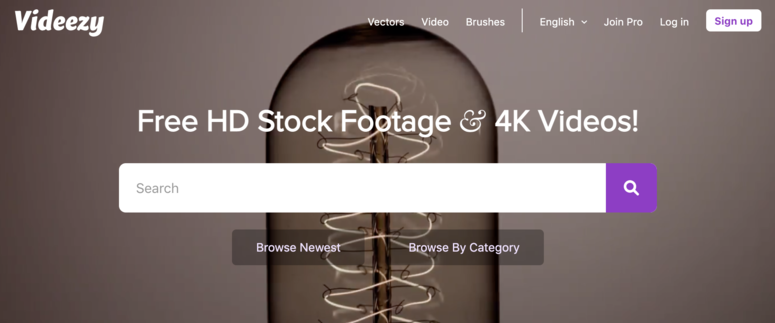
Videezy offers royalty-free footage in HD and 4K, plus a library of After Effects templates you won’t find on most stock video sites. Free clips are available with creator attribution. A Pro subscription removes the attribution requirement and unlocks more templates. It’s a strong pick for motion designers who want footage and templates from one source.
Get started with Videezy today.
Mixkit ⭐⭐⭐⭐⭐
Best for: social media creators who need a curated, attribution-free library with a modern aesthetic
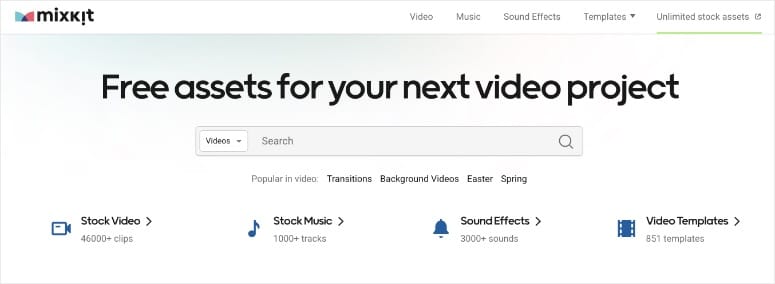
Mixkit is a curated free library with a strong collection of social media-ready clips. All footage is free with no attribution required, no account needed, and no download limits. The aesthetic skews modern and clean, which makes it particularly useful for landing pages and branded social content. Library size is smaller than Pexels or Pixabay, but the curation quality is higher.
Get started with Mixkit today.
Videvo ⭐⭐⭐⭐
Best for: creators who want a high-volume free backup option when other platforms don’t have what they need
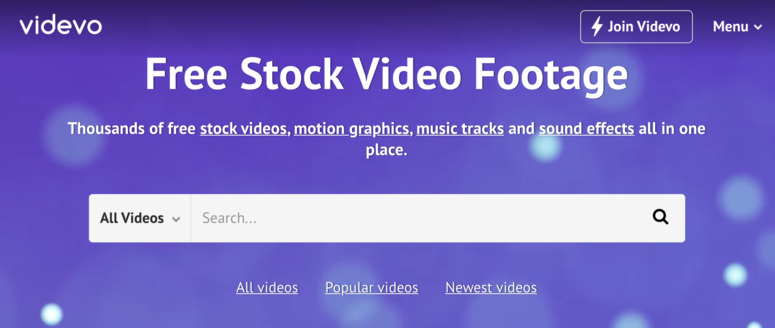
Videvo offers a large selection of free and premium stock footage with daily new uploads. Licensing is straightforward and the variety is broad. Quality is inconsistent across the free library (some clips haven’t been shot on a tripod), but the volume means you’ll usually find something usable. Best used as a backup when other free platforms don’t have what you need.
Get started with Videvo today.
How to Choose the Right Stock Video Site
The right platform depends on how often you need footage, what quality you need, and how you plan to use it.
Start with your budget. If cost is the main constraint, Pexels, Pixabay, and Mixkit are all free with commercial use rights and no attribution required. They cover most standard web and social media needs.
Think about frequency. A subscription like Storyblocks or Shutterstock is more cost-effective for regular use. For ongoing email marketing or social posts, per-clip pricing adds up fast. For occasional use, Pond5’s pay-per-clip model makes more sense.
Check the license before downloading. Most platforms offer royalty-free licenses, which means you pay once and can use the clip in unlimited projects. “Rights-managed” licenses cost more and restrict where and how long you can use the footage. For most web and lead generation campaigns, royalty-free is sufficient.
Consider your tools. If you edit in Adobe Premiere Pro or After Effects, Adobe Stock’s in-app integration saves real time. If you use After Effects templates regularly, Videezy’s template library adds value beyond raw footage.
Match quality to use case. For a website background loop or social media post, HD is usually fine. For broadcast or client presentations, 4K is worth the cost. For professional post-production work requiring color grading flexibility, Artgrid’s RAW and LOG formats are the right choice.
FAQs: Best Stock Video Sites
What is the best free stock video site?
Pexels is the best free stock video site overall. It offers HD and 4K clips at no cost under a CC0-style license, meaning commercial use is allowed and no attribution is required. Pixabay and Mixkit are strong free alternatives. Pixabay has a larger library; Mixkit has a more curated, modern aesthetic suited to social media.
What is the difference between royalty-free and rights-managed stock video?
Royalty-free means you pay once for a license and can use the clip in multiple projects indefinitely. Rights-managed licenses restrict use by duration, geography, or medium. They often require a new license fee for each campaign. Most platforms in this list are royalty-free. Rights-managed footage is mainly found on editorial platforms like Getty Images.
Can I use stock footage for commercial projects?
Yes, with the right license. Most royalty-free licenses on platforms like Shutterstock, Pond5, and Storyblocks explicitly allow commercial use. Free platforms like Pexels and Pixabay also permit commercial use under their respective licenses. Always read the license terms for each clip before using it in paid advertising or broadcast content. Some platforms restrict certain commercial uses to higher-tier plans.
Which stock video site is best for YouTube creators?
Storyblocks and Pexels are the top choices for YouTube. Storyblocks pre-clears all footage to avoid ContentID claims, which is critical for monetized channels. Pexels is the best free option. CC0 clips won’t trigger claims and there’s no attribution required in the video description. Shutterstock also pre-clears for YouTube with its subscription plan.
Do I need to credit the creator when using stock video?
It depends on the platform. Pexels, Pixabay, and Mixkit require no attribution for personal or commercial use. Videezy’s free tier does require creator credit. Paid platforms like Shutterstock, Adobe Stock, and Pond5 include commercial use rights in their license. No attribution is required. Always check the specific license terms before publishing.
Final Verdict
For most WordPress site owners and marketers, Pexels is the right starting point. It’s free, the quality is strong, and there are no licensing complications.
If you need more variety or a specific style, Shutterstock’s library covers almost anything at a professional quality level. For heavy users who download clips regularly, Storyblocks’ unlimited subscription is the best value available.
Pond5 fills the gap for occasional buyers who want professional quality without a subscription commitment. And for filmmakers, Artgrid’s RAW and LOG formats are in a class of their own.
Check out our list of the top WordPress plugins to find the right tools to pair with your new footage.
Resource Hub: Stock Video and Visual Content
- Best Email Marketing Services Compared
- Best WordPress Lead Generation Plugins Compared
- Top WordPress Plugins
Comments Leave a Reply