IsItWP’s exclusive StartBooking coupon code will get you a discount of 20% on their WordPress appointment booking and scheduling plugin. Follow our instructions below to claim your discount on the top WordPress booking plugin!
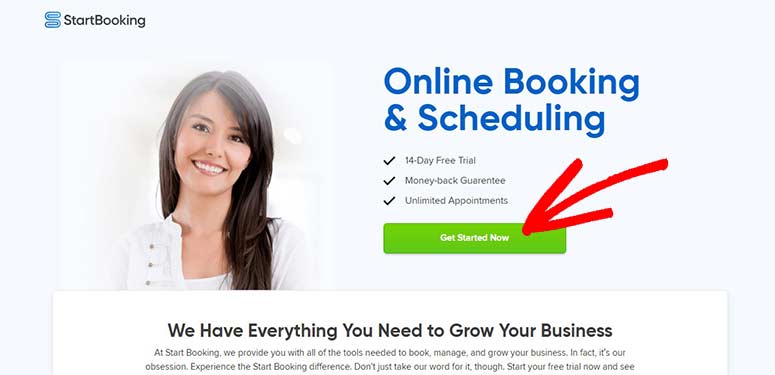
First, visit the StartBooking website using our referral link. From there, you’ll need to click on Get Started Now button.

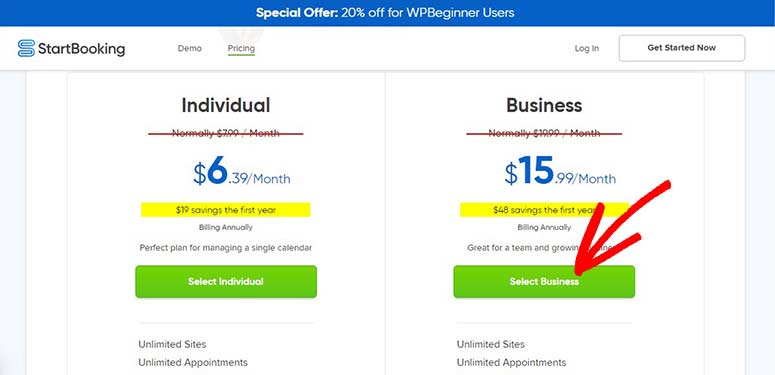
Next, you’ll see the pricing page with a welcome message mentioning the discount. There are two plans: Individual and Business.
Hit the Select button next to the plan that you want to purchase.

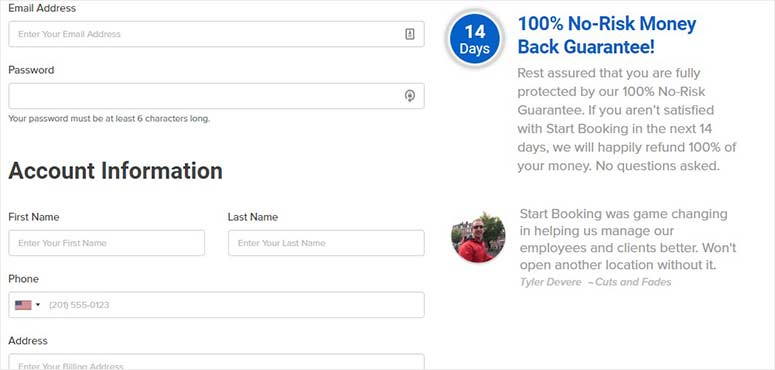
Next, you need to add your email address and other information to create an account on the StartBooking website.

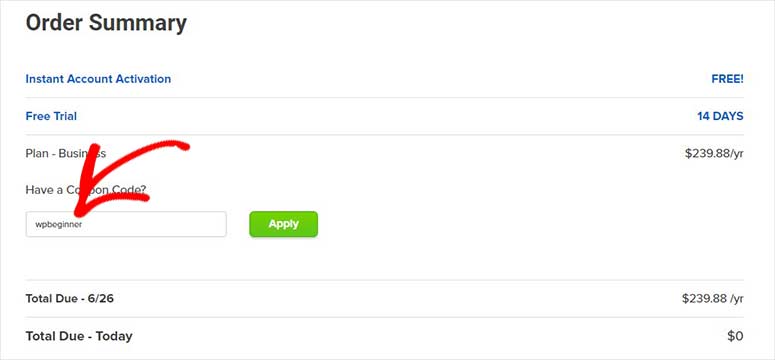
You can scroll down to view your order summary. Click on the Have a Coupon Code? link to enter a discount code. Type in our StartBooking coupon code: wpbeginner

Hit the Apply button.
Scroll down further to add your payment information and click on the Get Started button to get your discount.
We hope you found our StartBooking coupon code helpful. You may also want to check our coupons page for more discounts.
If you’re looking to start a new website, don’t miss our guide on how to choose the best domain name registrar.