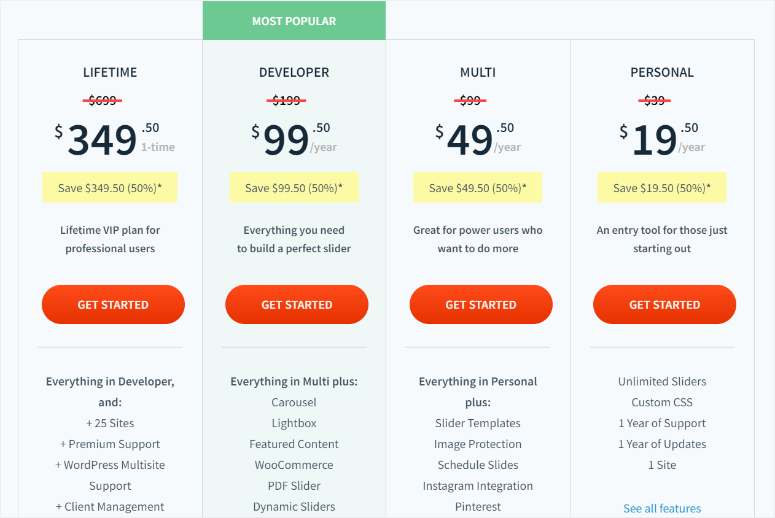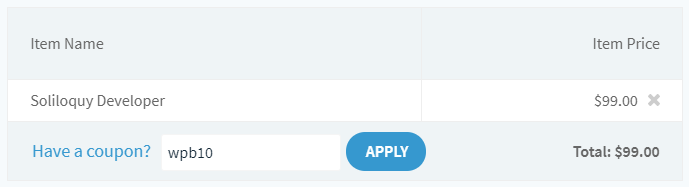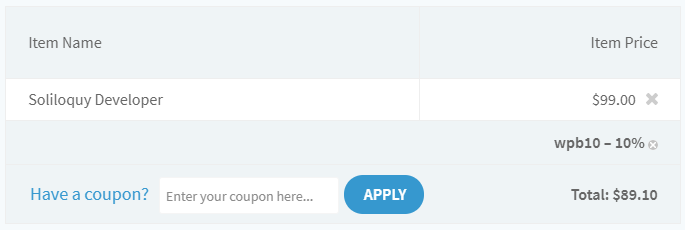
Le plugin de slider Soliloquy offre 50% de réduction à nos utilisateurs sur tous ses plans. C'est le meilleur plugin de slider WordPress que vous puissiez trouver dans l'industrie du web. Soliloquy vous permet de créer des sliders réactifs avec des tonnes de fonctionnalités à la volée ! Le plugin dispose de plusieurs extensions pour vous aider à créer les sliders dont vous avez besoin. Parmi les fonctionnalités clés de Soliloquy, citons l'ajout de sliders Instagram, de sliders de contenu mis en avant, de sliders d'articles, de sliders carrousel, et plus encore. Il possède une interface incroyable et plusieurs thèmes pour attirer vos utilisateurs en ligne. Obtenez la réduction de 50% avec le code promo exclusif d'IsItWP pour Soliloquy sur n'importe lequel des plans Soliloquy.
50% de réduction sur le plugin de slider WordPress Soliloquy
Suivez le lien de parrainage Soliloquy d'IsItWP pour obtenir la réduction maximale.